
Hi Dear WordPress Tooltip User,
We received a ticket, in which the user asked us how to get wordpress tooltip document, I guess may a few more users have the same question, I’d like reply in here publicly 🙂
The lovely user told us, she always go to google.com to search our document by site:tooltip.org…, actually in our site, you have two method to search and find tooltip document quickly:
1: When you open a page in tooltips.org, you will find on the top of the right sidebar, we have a search form
It looks like this:

tooltip document search form on sidebar
Now let’s search something, for example “glossary”, you will find all posts related with “glossary” will show in the result page, it looks like this:
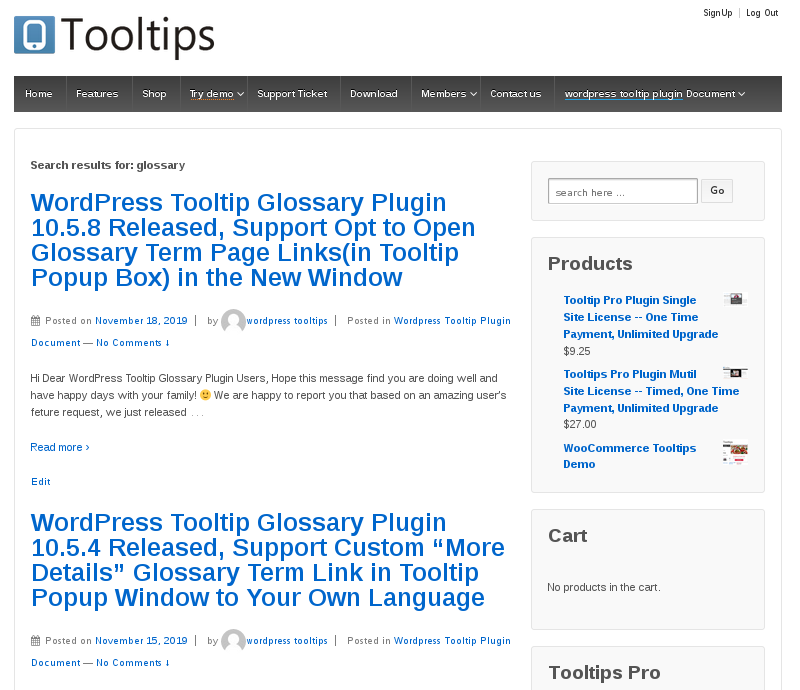
search result by search form on-sidebar
2: Also you can search document of wordpress tooltip glossary plugin in wordpress tooltip document page
You will find our wordpress tooltip document page at the top menu, it looks like this:

wordpress tooltip top menu
Once you click the “wordpress tooltip plugin document” menn item, you will open our wordpress tooltip plugin document page, at the top of the wordpress tooltip plugin document page, you will find we putted a search form in here, it looks like this:
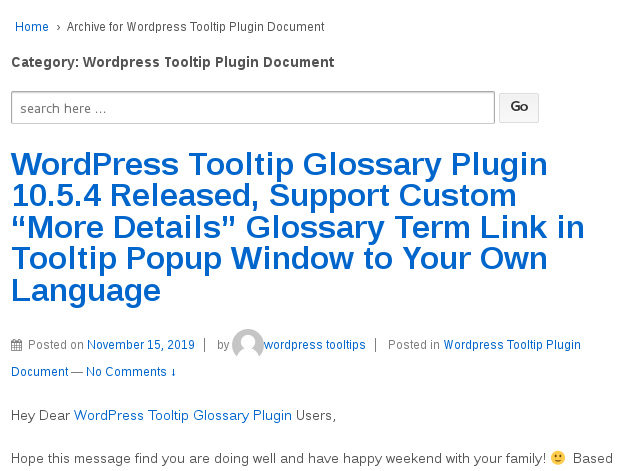
search form on wordpress document page
Just try to search something in the search form, for example glossary, you will find all glossary pages listed in the result page, it looks like this:
search result by search form on-sidebar
Actually it just the same search result page with the search result page via first search method 🙂
If you have any question, please search first, also we make detailed video tutorial for you, you can find all video tutorial at wordpress tooltip video tutorial page. 🙂




