
Hi Merry Christmas!
Dear users of WordPress Tooltip plugin, hope this message find you are doing well and having wonderful holiday with your family:) We just released wordpress tooltips pro plus 27.5.8 in which we improved the UI design of all tooltip settings panel of the WordPress tooltip plugin 🙂
Just like we reported in Improved the UI design of the tooltip global settings panel of the WordPress tooltip plugin some days ago, an UI designer told us:
I noticed a minor issue in the Tooltips Global Settings panel of the WordPress Tooltips plugin. The titles and content in each panel are not aligned to the left. There seems to be a 5px difference in the padding-left. Would it be possible to address this issue?
We fixed the problem asap once we get the feedback, then our wordpress developer checked all settings panels in wordpress tooltips pro plus plugin, and we have improved the UI design or all settings panel in the new version wordpress tooltips pro plus 27.5.8 🙂
The settings panel affected by this new version includes:
1: Advanced WooCommerce Tooltips Addon Settings, it looks like this:
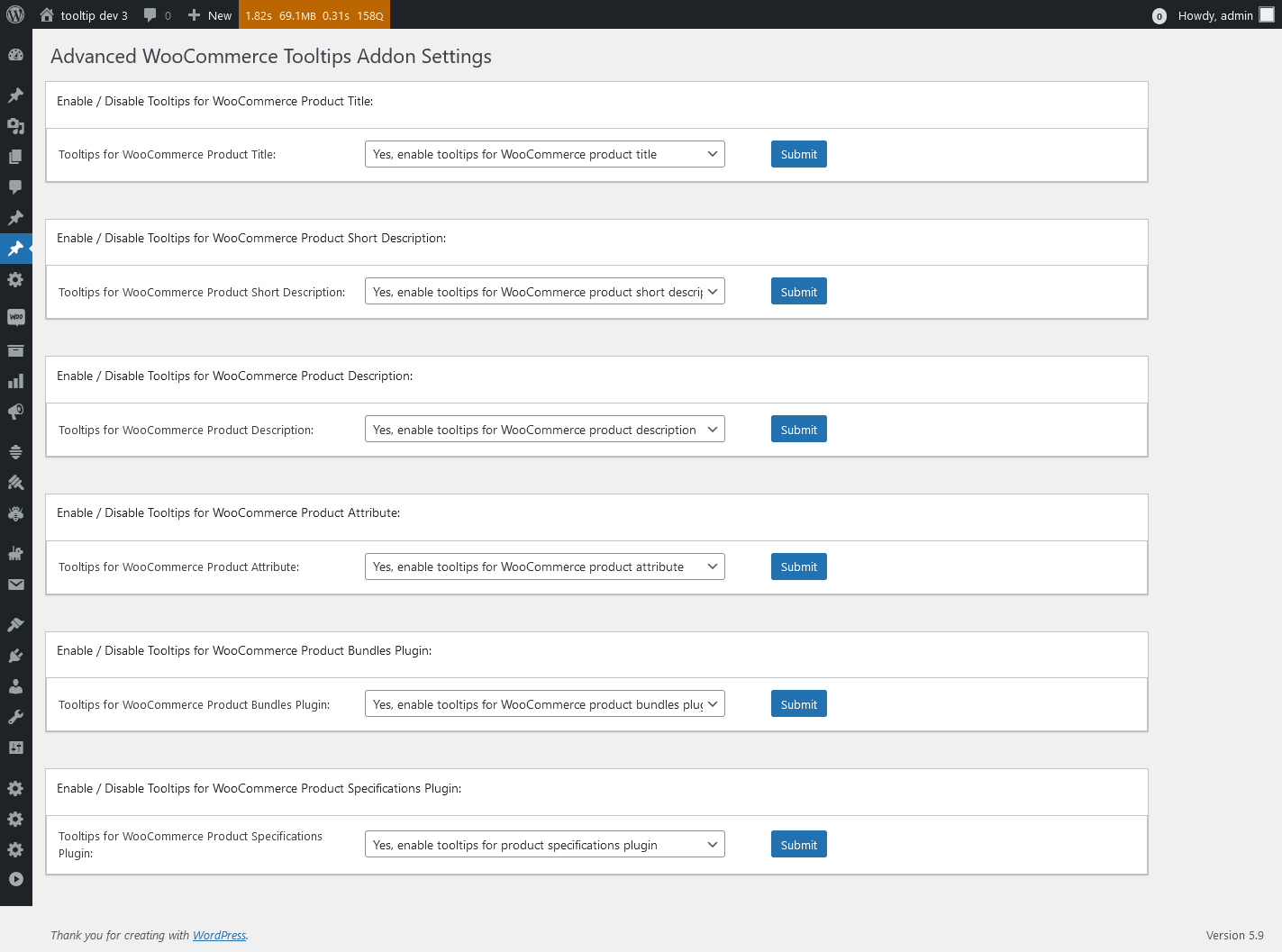
Advanced WooCommerce Tooltips Addon Settings in wordpress tooltips pro plus 27.5.8
2: WordPress Bullet Screen Settings, it looks like this:
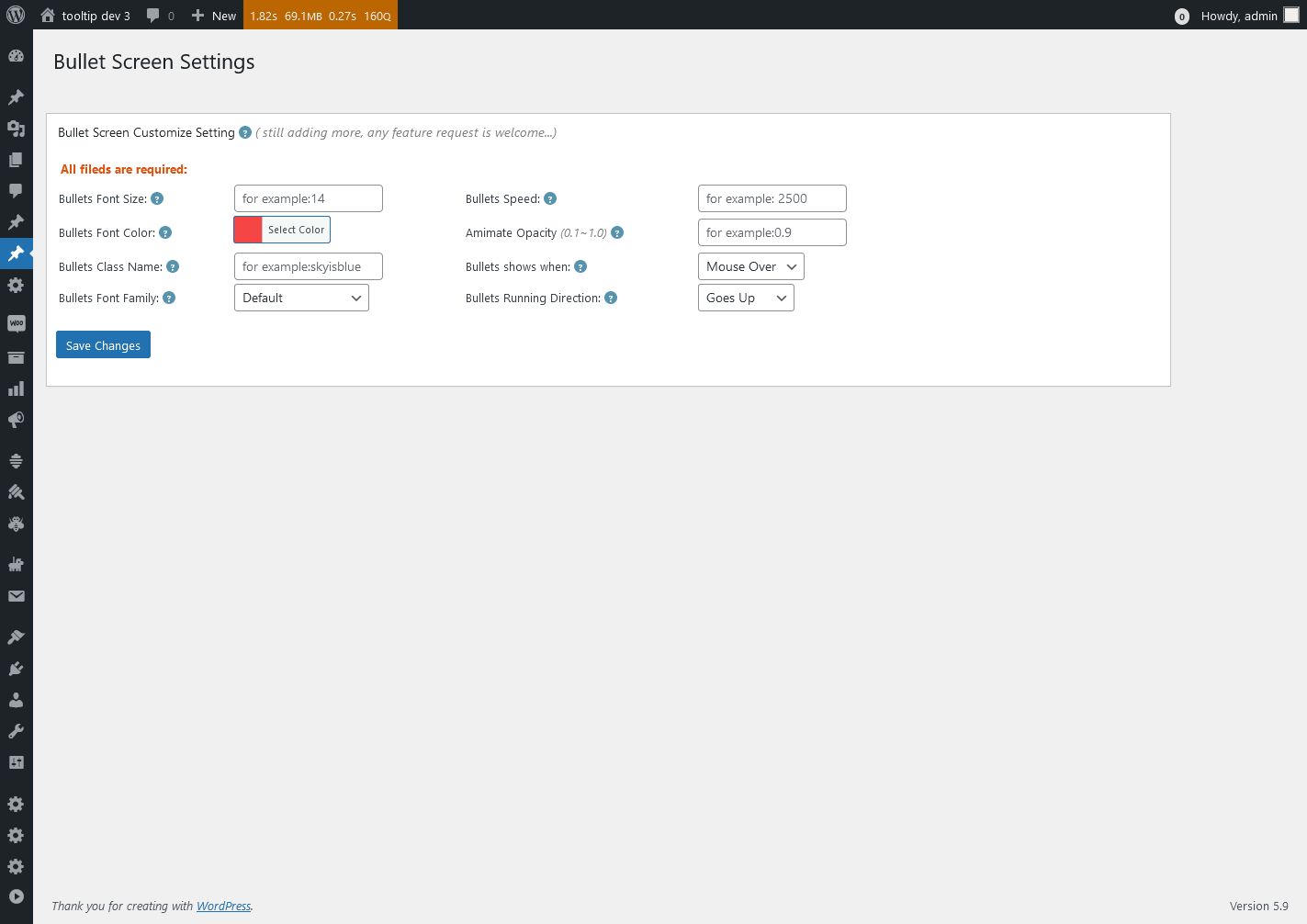
Bullet Screen Settings in wordpress tooltips pro plus 27.5.8
3: WordPress Directory Global Settings, it looks like this:
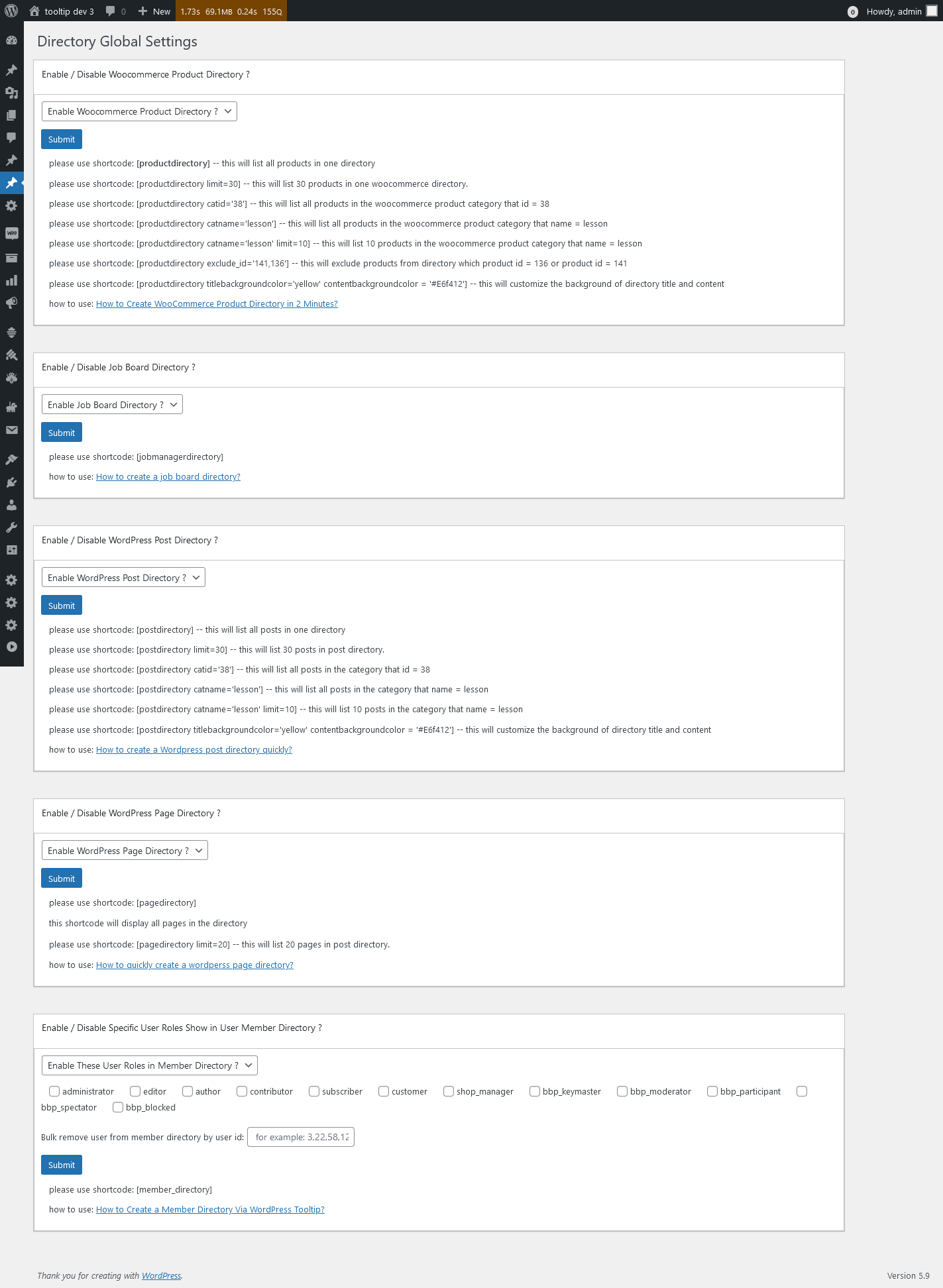
Directory Global Settings in wordpress tooltips pro plus 27.5.8
4: Export Tooltips panel, it looks like this:
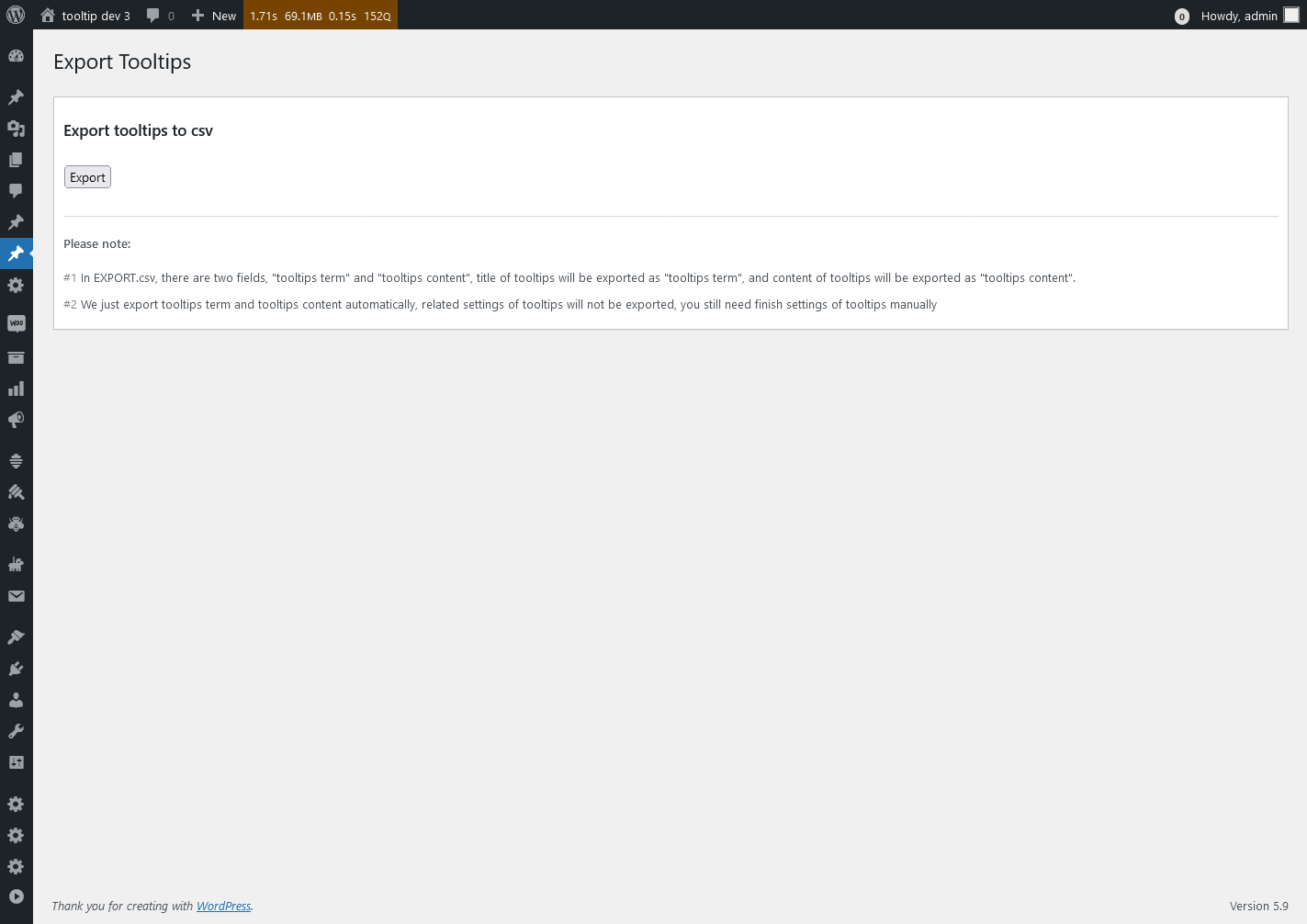
Export Tooltips in wordpress tooltips pro plus 27.5.8
5: WordPress Glossary Settings panel, it looks like this:
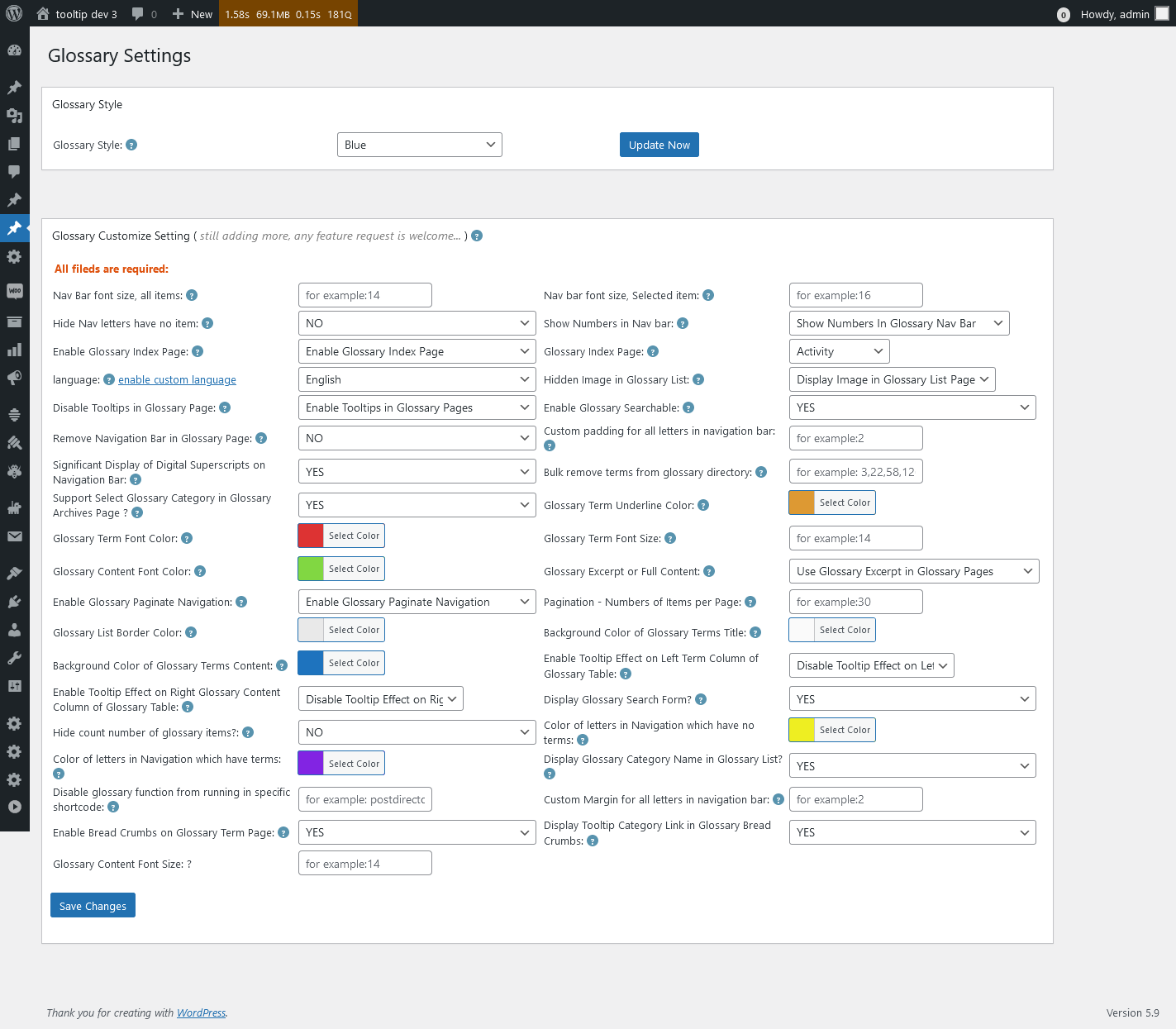
Glossary Settings in wordpress tooltips pro plus 27.5.8
6: Import Tooltips panel , it looks like this:
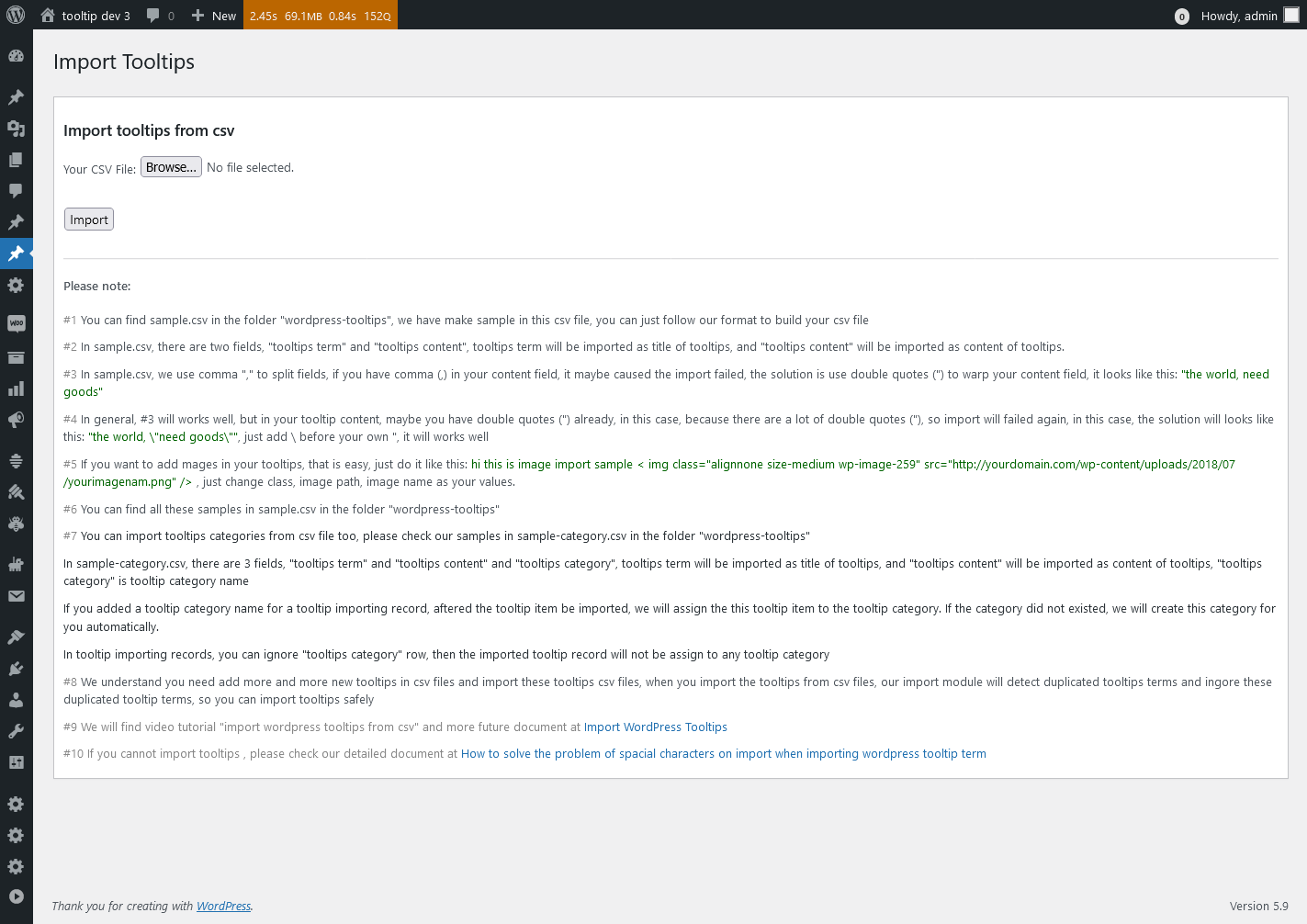
Import Tooltips panel in wordpress tooltips pro plus 27.5.8
7: wordpress knowledge panel, it looks like this:
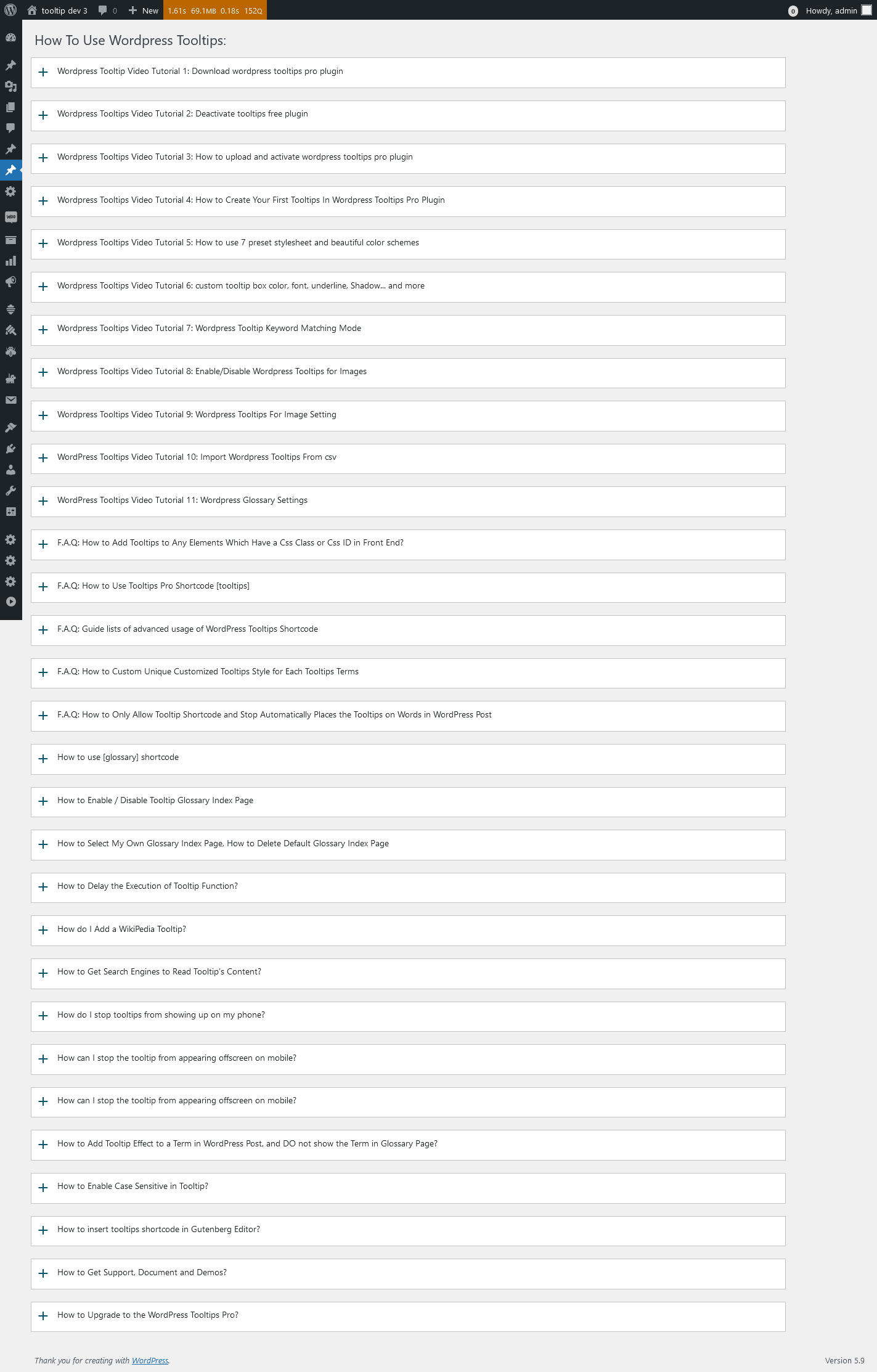
knowledge panel in wordpress tooltips pro plus 27.5.8
8: Reset WordPress Tooltips panel, it looks like this:

Reset Tooltips in wordpress tooltips pro plus 27.5.8
9: WordPress Tooltips Addon Settings panel, it looks like this:
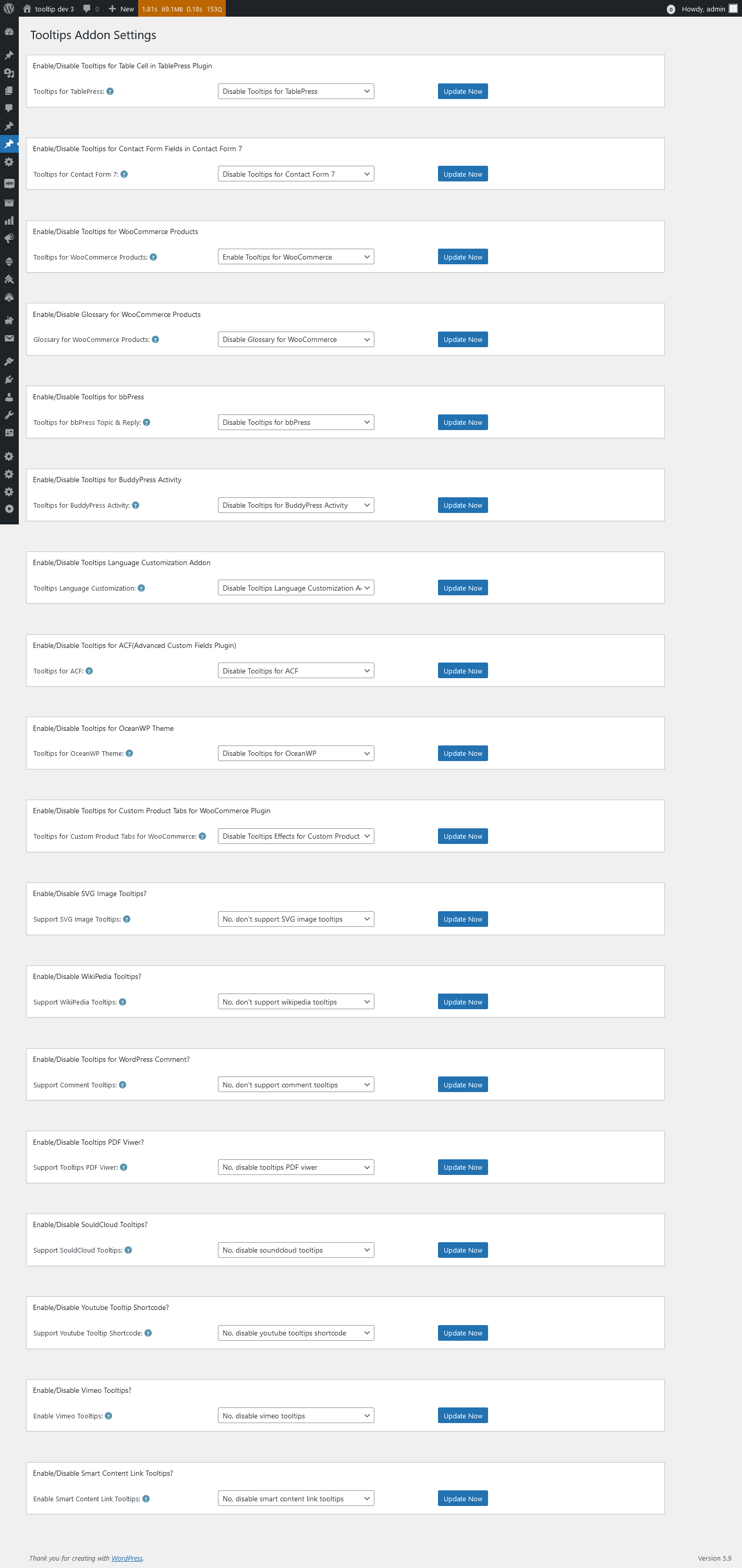
Tooltips Addon Settings in wordpress tooltips pro plus 27.5.8
10 WordPress Tooltips Global Settings panel, it looks like this:

Tooltips Global Settings in wordpress tooltips pro plus 27.5.8
11: WordPress tooltips plugin menu, it looks like this:

tooltips menu in wordpress tooltips pro plus 27.5.8
12 WordPress Tooltips Optional Settings panel, it looks like this:

Tooltips Optional Settings in wordpress tooltips pro plus 27.5.8
13 WordPress Tooltips Post Types Settings panel, lt looks like this:
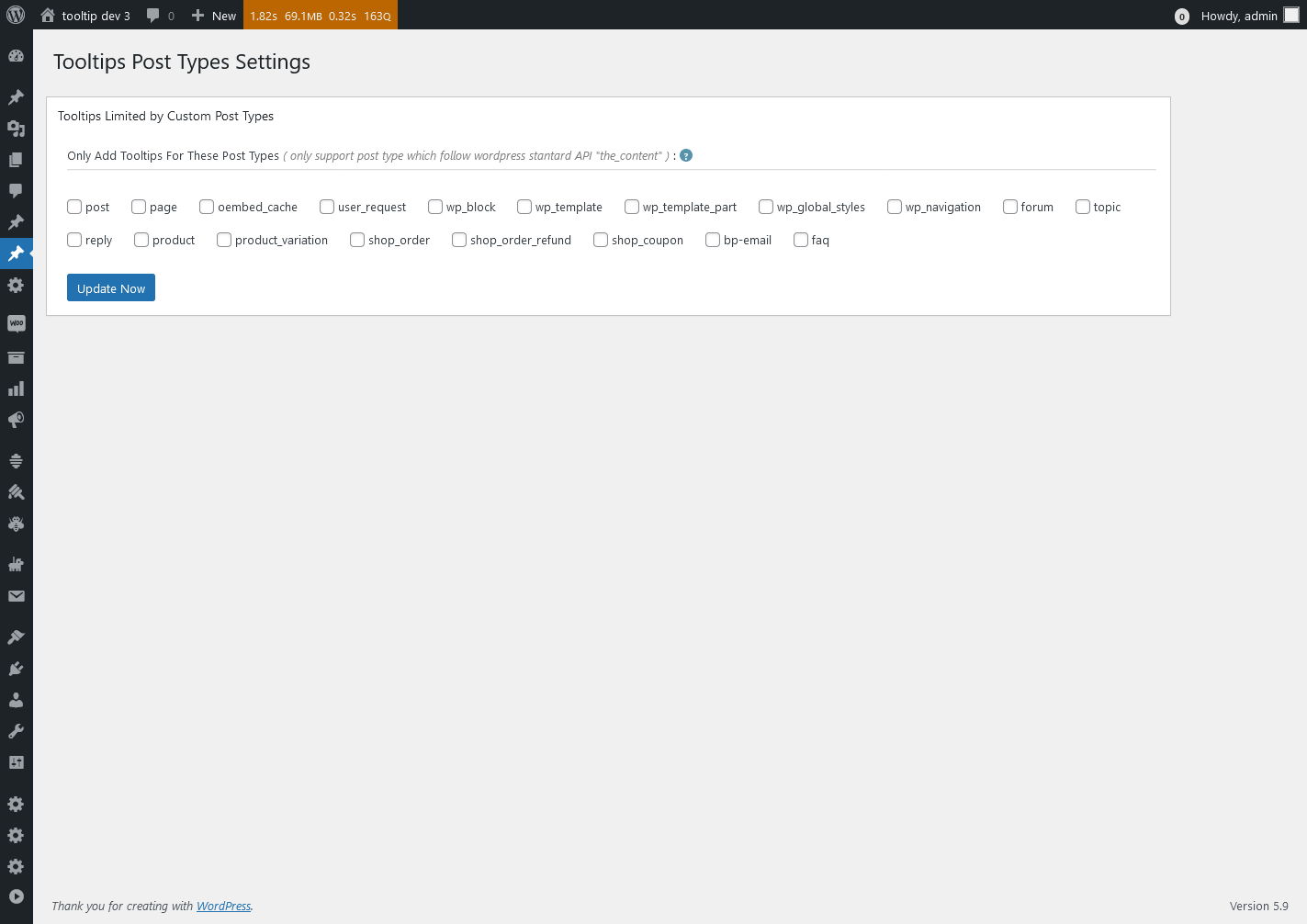
Tooltips Post Types Settings in wordpress tooltips pro plus 27.5.8
14 WordPress Tooltips Style Settings panel, it looks like this:
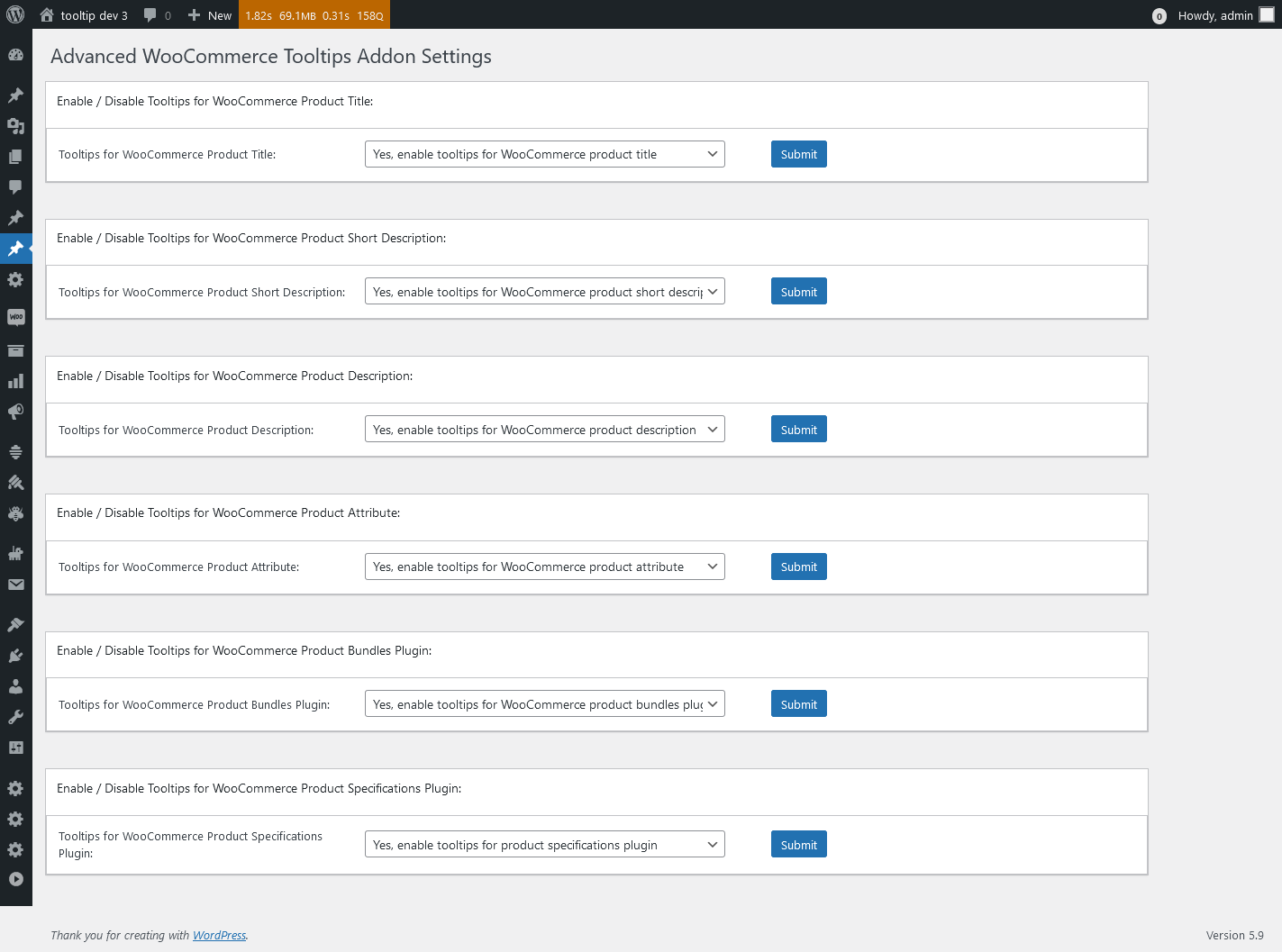
Advanced WooCommerce Tooltips Addon Settings in wordpress tooltips pro plus 27.5.8
Thanks for the great suggestion, this has helped us not only to improve our UI design, but also to make the interface more comfortable for all wordpress tooltip users. We give the user a license of AI Smart Content Links plugin, which will enhance your website’s content and uplift the user experience with the powerful Smart Content Links plugin. By seamlessly integrating links to relevant content within your WordPress blog posts, you can effortlessly provide valuable context, information, and resources to your readers. These intelligent links are engineered to grant quick access to related resources and information, enabling your audience to delve deeper into the topic at hand while maintaining uninterrupted flow and focus on your core message.
Leveraging the cutting-edge AI-driven Natural Language Processing (NLP), Smart Content Links empowers you to bolster your SEO efforts efficiently. With its intuitive backend interface, simply input a keyword, and the plugin will leverage AI algorithms to rank and match posts, ensuring optimal alignment between content and keywords. 🙂
Thanks, have a blessed day with your family
Best Regards,
WordPress tooltips plugin support




